Videos are supposed to be fun. Editing them? Not so much. Enter AI clips: the mischievous little helpers that sneak into your footage, find the best bits, and spit out polished, ready-to-share snippets while you kick back and sip your coffee. No timelines. No scrubbing through hours of footage. Just magic, served fast.
These tools aren’t just convenient, they’re transforming how creators, marketers, and teams make videos. AI clips can detect the moments that grab attention, automatically add captions, crop for any platform, and even optimize pacing, so your content hits hard every time. Essentially, they do the boring work, while you get to do the fun stuff: dreaming up ideas, telling stories, and connecting with your audience.
The impact is huge. Solo creators suddenly feel like a full production studio. Marketing teams can pump out more content without burning out. And educators or businesses can repurpose long lectures or presentations into digestible clips that actually get watched. AI clips don’t replace your creativity; they amplify it, letting you create faster, smarter, and better than ever.
In this article, we’ll break down the world of AI clips: how they work, why they matter, and how you can use them to transform your video production process. By the end, you’ll see that AI clips aren’t a luxury or a magic trick; they’re the new standard for anyone serious about video.
So what are AI clips?
The short answer?
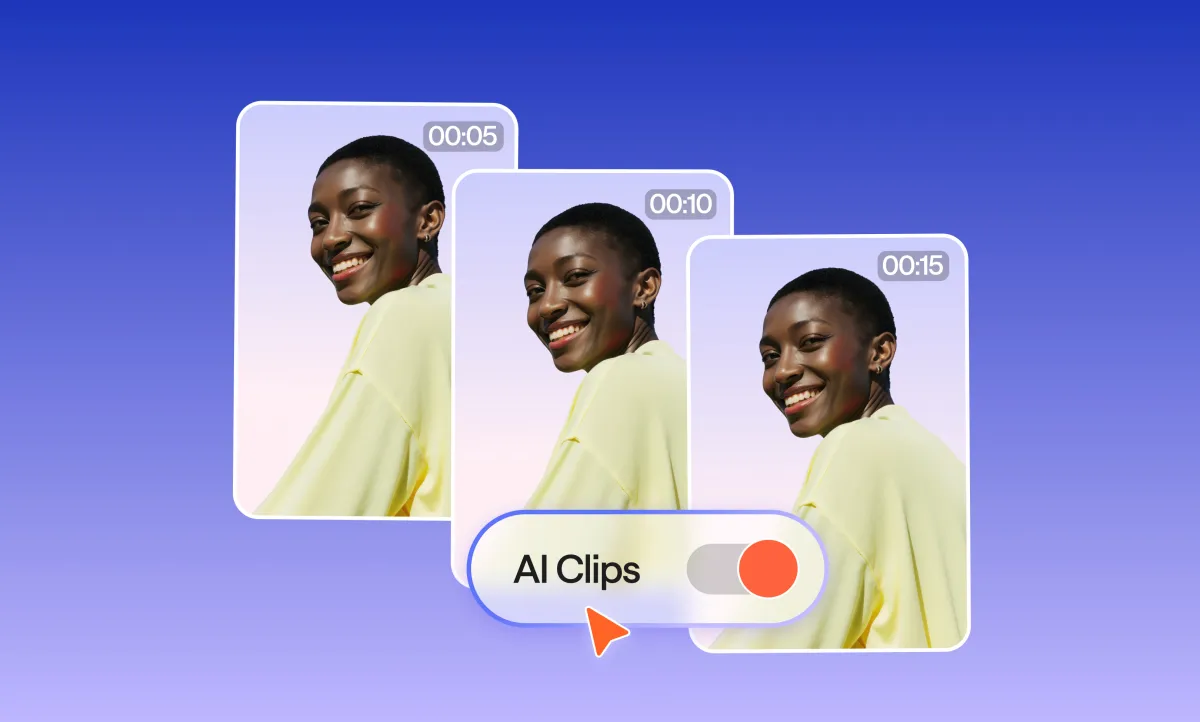
AI clips are short, engaging video segments automatically generated from longer footage using AI tools. They differ from traditional video production by leveraging machine learning and computer vision to detect highlights, trim content, and optimize clips for social media or other platforms without manual editing.
And now the more detailed answer:
AI clips rely on a combination of machine learning algorithms and computer vision techniques. At a basic level, the AI scans full-length videos to identify key moments based on motion, facial expressions, audio cues, or scene changes. For example, a laughing reaction, a dramatic pause, or a high-energy segment might be flagged as a highlight automatically.
Natural language processing (NLP) can also be involved, particularly when videos contain spoken content. The AI transcribes audio, detects emphasis or repeated keywords, and prioritizes segments that are contextually meaningful. This allows creators to produce clips that not only look visually engaging but also carry the core message of the original video.
Compared to traditional video editing, which requires a human to manually scrub, cut, and assemble footage, AI clips dramatically reduce the time and effort involved. They also offer scalability: brands and creators can generate dozens or hundreds of clips from a single long-form video in minutes, something impossible with conventional editing workflows.
The technologies behind AI clips continue to evolve. Modern systems incorporate deep learning models trained on vast video datasets, enabling them to understand narrative flow, detect emotions, and even suggest captions or graphics. This combination of automation, intelligence, and creativity is what sets AI clips apart from standard production processes.
How do AI video content creators work?
AI video content creators transform text, images, audio, or existing videos into fully produced, polished content. They use AI to automatically arrange visuals, synchronize audio, add effects, and even generate missing elements, making video production faster, more efficient, and accessible for creators of all skill levels.
AI video content creators rely on a combination of machine learning, computer vision, and natural language processing (NLP) to automate what was once a time-consuming, technical process.
Here’s a deeper look at how they work:
• Text-to-video: AI analyzes scripts or text, creates storyboards, suggests visuals, transitions, animations, and overlays, and can even recommend hashtags or keywords.
• Image/video analysis: Uploaded media is scanned to identify faces, objects, motion, and key frames, automatically enhancing visuals and sequencing them into a coherent story.
• Audio synchronization: Voiceovers, music, and effects are synced to visuals, with timing adjusted for maximum impact.
• Dynamic content creation: Missing graphics, animations, or AI voices are generated automatically, filling gaps without extra filming.
• Multi-platform optimization: Videos are reformatted for vertical, square, or horizontal layouts to suit Instagram, TikTok, YouTube, and more.
By automating these tasks, AI video creators reduce production time from hours or days to minutes. This allows creators to focus on storytelling, strategy, and audience engagement while producing professional-quality videos consistently, whether they’re solo creators or small teams.
Best AI clips and video generators available today
To give you a short answer:
The most popular AI video generators, like Podcastle, DeepBrain, Synthesia, and Pictory, are recognized for their speed, quality, and ease of use. These tools let creators produce AI clips efficiently, turning text, images, or audio into polished videos with minimal manual editing.
Now, diving deeper:
AI video generators have become essential tools for creators, marketers, and teams looking to produce professional content quickly. These platforms use AI to automate editing, highlight key moments, and generate AI clips from raw inputs. Here are some of the best AI video and AI clip makers available today:
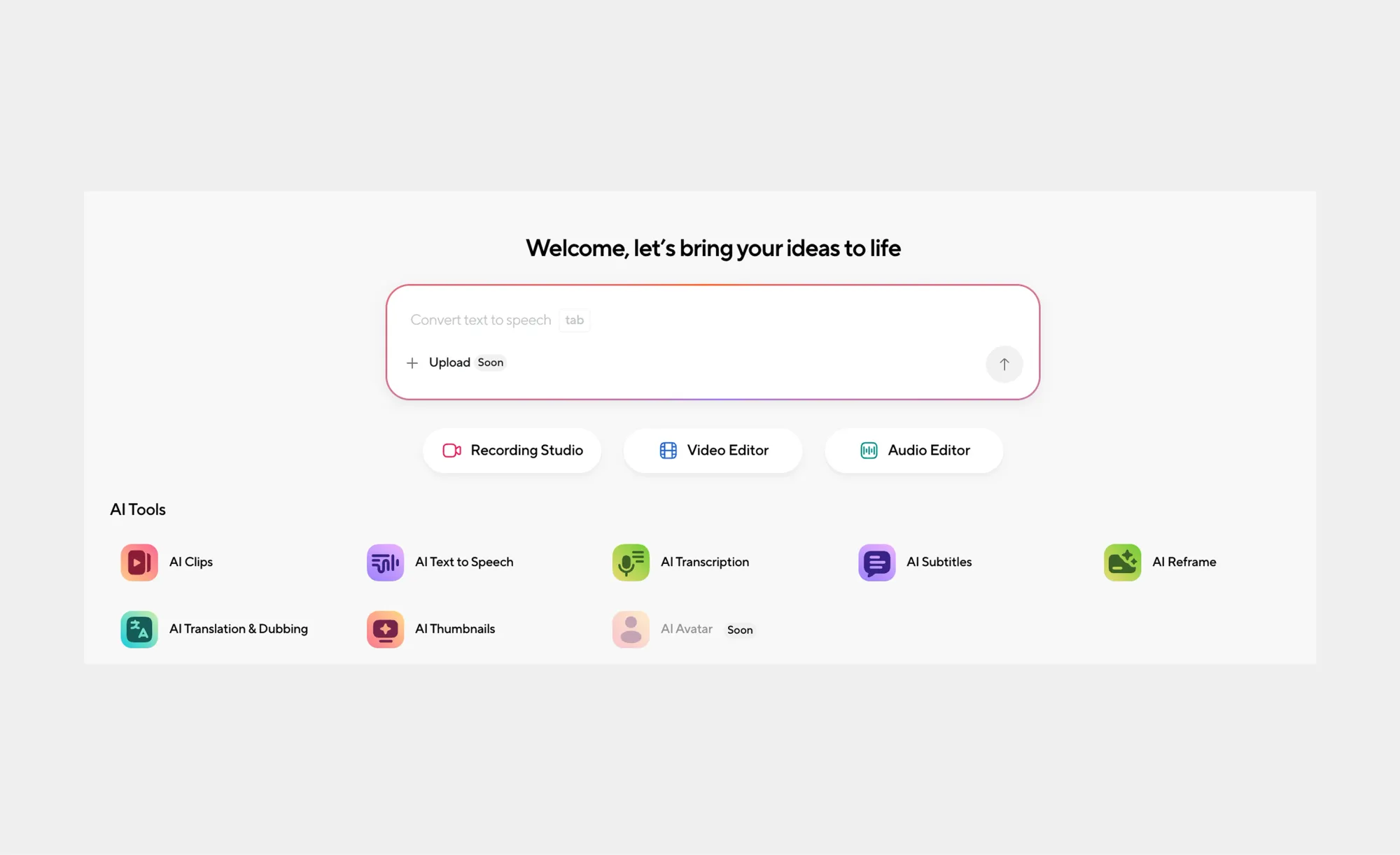
1. Podcastle by Async
Podcastle by Async offers an AI Clip Maker built for repurposing long-form video into short, social-ready content. You can simply upload a video or paste a YouTube link, and the AI automatically generates multiple AI clips by detecting the most engaging moments. Each clip comes with auto-generated captions in different styles you can choose from, and creators can fine-tune results using built-in AI editing tools when needed. It’s a practical option for podcasters, YouTubers, and marketers who want fast, consistent short-form output without manual editing.
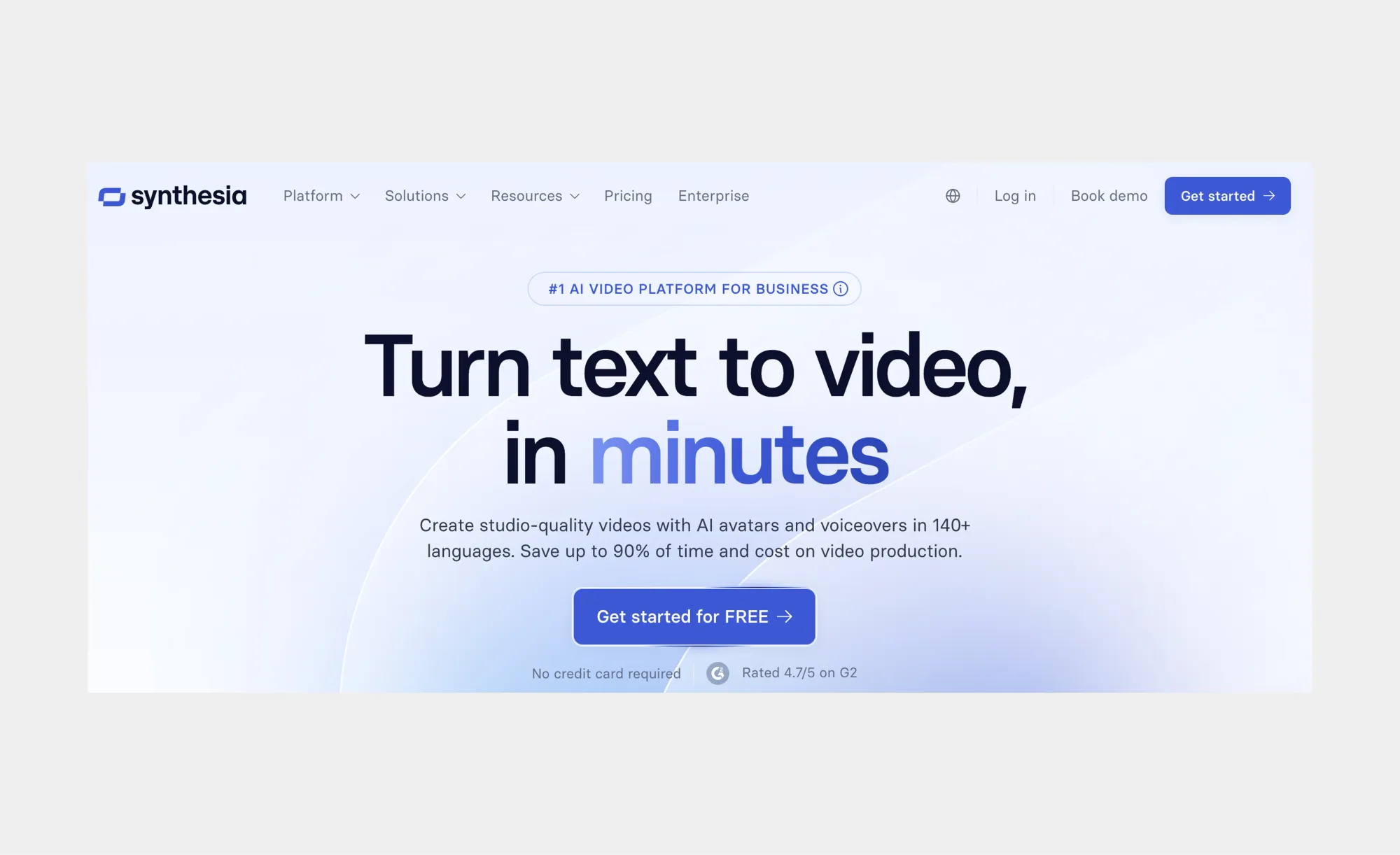
2. Synthesia
Synthesia is known for turning text into full-length AI videos with virtual presenters. You can create AI clips in multiple languages, add captions automatically, and customize avatars. It’s especially useful for marketing, training, and social media content, where quick, repeatable production is key.
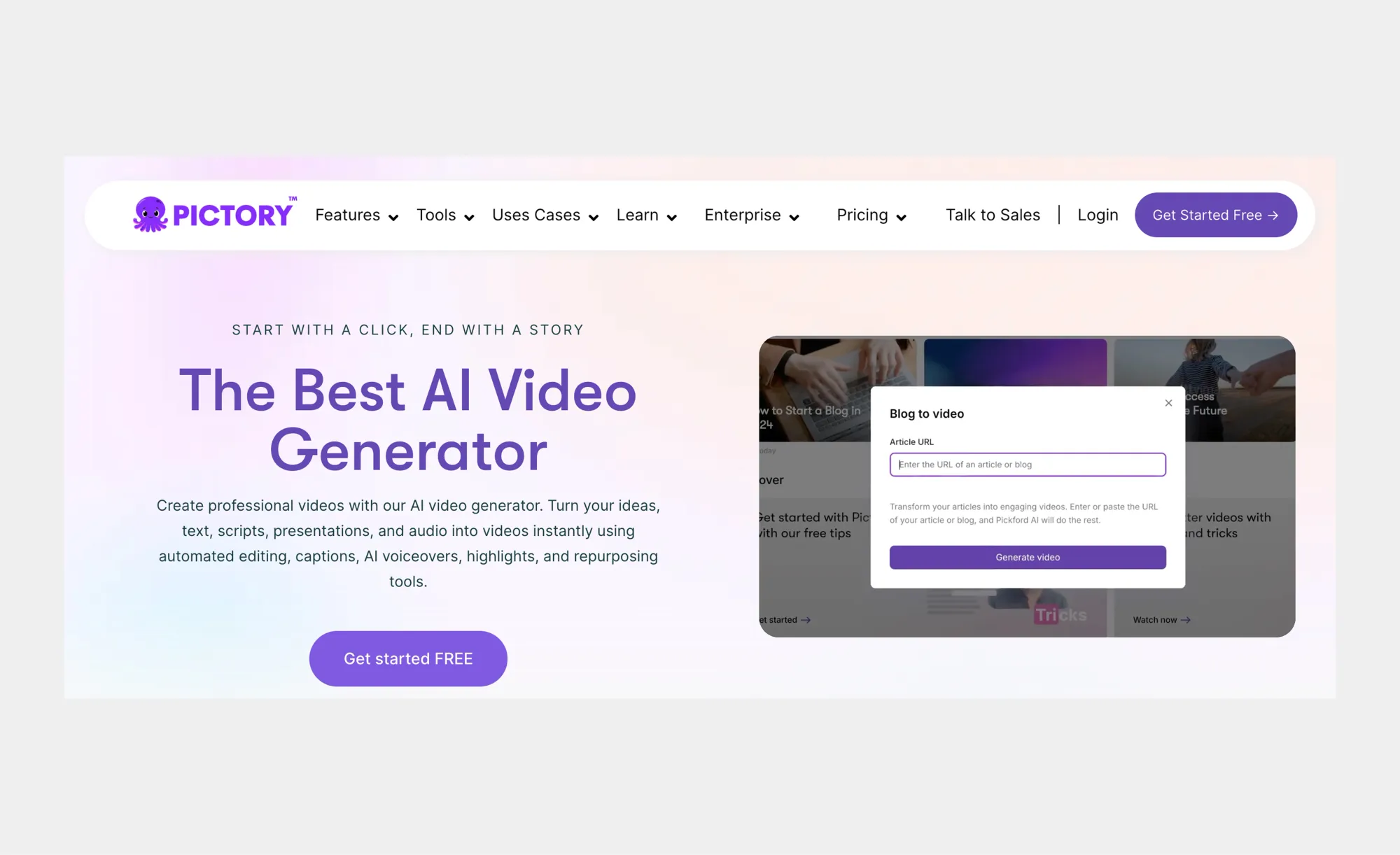
3. Pictory
Pictory transforms long-form content like webinars, podcasts, or blogs into shareable AI clips. It automatically identifies highlights, adds captions, and optimizes clips for social media. Its AI clip maker feature allows creators to repurpose content efficiently across multiple platforms.
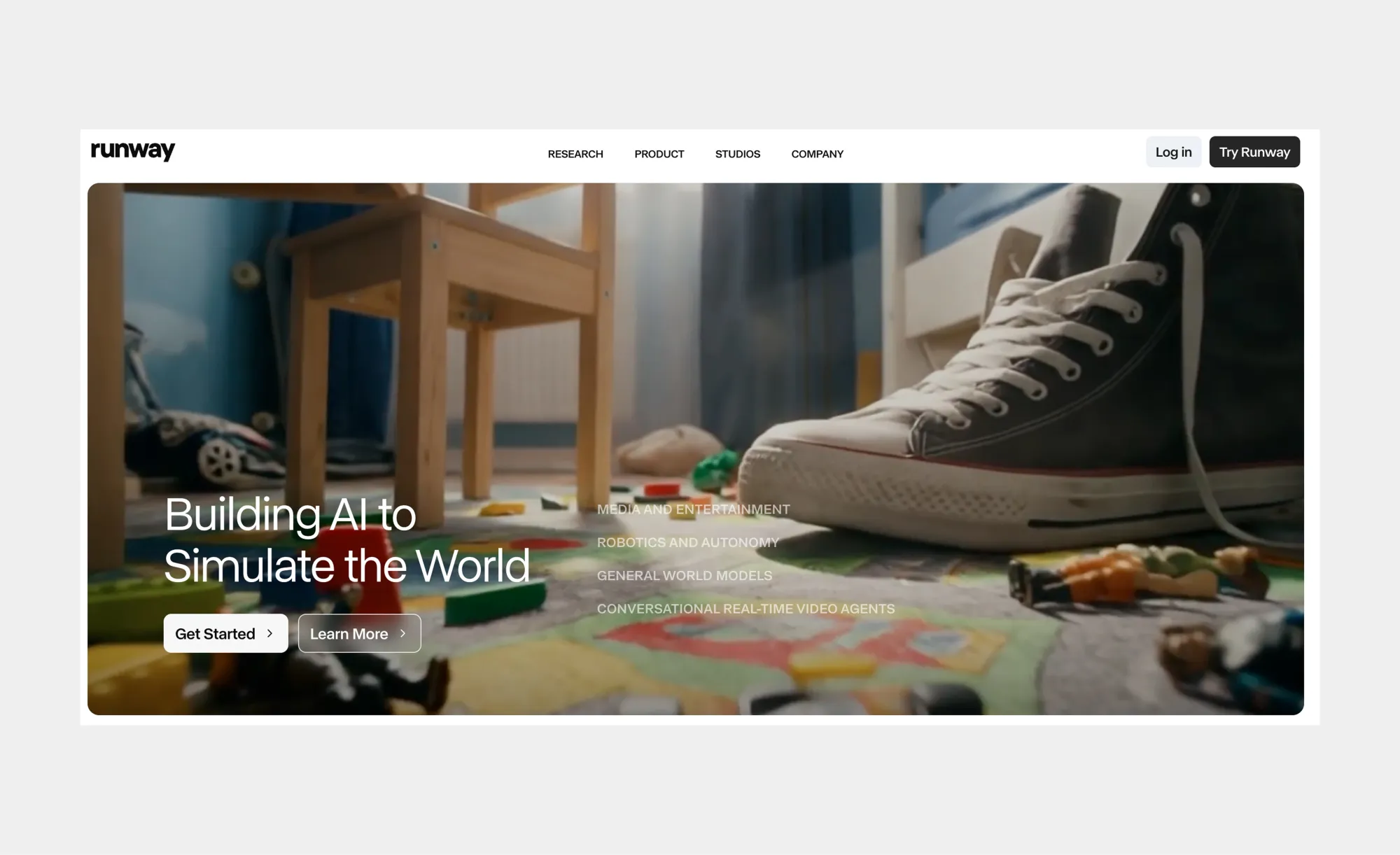
4. Runway ML
Runway ML offers advanced video editing powered by AI. It’s ideal for creators who want to manipulate visuals, remove backgrounds, or generate new scenes automatically. AI clip creation is simplified by its intuitive interface and machine learning models.
5. VEED.io
VEED.io focuses on simplicity and accessibility. Its AI clip maker tools can automatically generate subtitles, cut long videos into highlights, and format content for various social platforms. It’s perfect for social media marketers who need fast turnaround without sacrificing quality.
These AI clip makers demonstrate how AI clips can revolutionize content creation. By combining automation, AI-powered editing, and multi-platform optimization, creators can save hours of work while producing professional-quality videos. Whether your goal is marketing, educational content, or social media growth, these tools make AI clip creation faster, smarter, and more scalable than ever.
How to create AI-generated videos from text
You can create AI-generated videos from text by uploading a script or written content into an AI clip maker, which automatically converts it into visuals, audio, and timing. The AI analyzes the text, generates scenes, syncs voiceovers, and outputs ready-to-share AI clips in minutes.
Creating AI-generated videos from text is one of the simplest and fastest ways to produce video content today. Instead of starting with footage, everything begins with written material, such as a script, blog post, product description, or social media caption.
Here’s how the process typically works:
1. Add your text: Paste or upload anything from a short paragraph to a full script. The AI scans structure, tone, and key ideas.
2. Automatic scene generation: Using machine learning and NLP, the AI assigns visuals, like stock footage, graphics, animations, or avatars, to each section.
3. Voiceover and audio sync: Text-to-speech narration, music, and sound effects are timed perfectly for natural flow.
4. Formatting and optimization: Videos are instantly formatted for vertical, square, or horizontal layouts, ready for social media, ads, or educational use.
The biggest advantage? Speed. What once took hours of filming and editing now happens in minutes. AI clips turn words into polished video content quickly, giving creators, marketers, and teams an easy, scalable way to produce engaging videos. No camera, editing software, or production crew needed.
AI generator that uses videos to create new content
AI generators create new content from existing videos by analyzing footage and producing highlights, remixes, summaries, and short AI clips. Using computer vision and audio analysis, these tools repurpose long-form videos into platform-ready content optimized for social media and distribution.
AI video generators that work with existing footage are designed to maximize the value of content you’ve already created. Instead of re-editing manually, the AI automatically understands what’s happening in the video and generates new variations that serve different goals and platforms.
Here are the main ways AI generators create new content from videos:
• Highlight and AI clip creation
This is the most common use case. The AI identifies engaging moments, strong statements, emotional reactions, or key explanations, and turns them into short AI clips. These clips are ideal for TikTok videos, Instagram Reels, Shorts, and other social platforms where quick, focused content performs best.
• Automatic video summaries
AI can generate condensed versions of long videos, pulling together the most important moments into a single recap. This is especially useful for webinars, interviews, and educational content where viewers want the main takeaways without watching the full recording.
• Content remixing
Some tools rearrange scenes, remove filler, or combine multiple moments into a new narrative. This allows creators to produce alternative versions of the same video, such as highlight reels, teaser trailers, or topic-based edits.
• Caption-led and quote-based videos
By transcribing speech, AI can identify strong quotes or soundbites and build videos around them. These quote-driven AI clips often include large captions or animated text, making them highly engaging for silent viewing on social feeds.
• Format and aspect ratio transformation
AI generators can automatically crop and reframe videos for different platforms. One long horizontal video can instantly become multiple vertical or square AI clips without manual adjustments.
• Visual enhancement and cleanup
Some AI tools can improve lighting, stabilize footage, remove background noise, or clean up visual distractions and enhancing the video as a result. This allows older or lower-quality videos to be reused effectively.
• Multilingual versions
Advanced AI generators can translate speech, generate new voiceovers, and create dubbing in multiple languages. This makes it possible to turn a single video into localized AI clips for different regions.
AI clips sit at the center of this workflow. They are the fastest, most shareable outcome of AI-powered repurposing, short, engaging, and optimized for attention. By unlocking multiple ways to reuse the same footage, AI generators help creators stay consistent, reach wider audiences, and scale content production without recording more videos.
How AI clips enhance social media content creation
AI clips help social media creators produce content faster by automatically turning long videos into short, engaging, platform-optimized clips. By handling cutting, captions, and formatting, AI clip makers make it easier to publish viral-ready videos consistently across TikTok, Instagram, and YouTube.
Social media thrives on speed, volume, and relevance, and that’s exactly where AI clips shine. Platforms like TikTok, Instagram Reels, and YouTube Shorts reward creators who post frequently, hook viewers quickly, and adapt content to each platform’s format. AI clips make this achievable without burning out.
The biggest advantage is speed. Instead of manually editing a 30-minute video, AI clips scan footage and pull out the most engaging moments, turning one recording into multiple short clips in minutes. They also optimize for platform fit:
• Crop videos into vertical or square formats
• Add captions and text overlays
• Adjust timing to keep clips punchy and engaging
This means creators don’t need to re-edit for each platform. One source video can instantly become TikToks, Instagram Reels, and YouTube Shorts. AI clips also help maintain consistency, allowing batch-production so creators always have something ready to post.
Tools like our AI Clips tool automatically analyze long-form content, podcasts, interviews, vlogs, and create clean, shareable clips optimized for social media. AI clips remove friction, letting creators focus on storytelling, ideas, and audience connection. For fast-moving platforms, they’re one of the most practical tools in any creator’s toolkit.
The impact of AI clips on video production time and cost
AI clips save time and cut costs by automating editing, highlight selection, and formatting. By replacing hours of manual work with AI-powered workflows, creators and businesses can produce high-quality videos faster, with smaller teams, fewer tools, and lower budgets.
Traditional video production can be slow and expensive, from scripting and recording to editing and revisions. AI clips streamline the process, automatically analyzing footage, generating ready-to-share highlights, and formatting them for different platforms in minutes. One recording session can produce dozens of AI clips without extra effort.
Cost savings are significant. Content creators often don’t need dedicated editors, pricey software, or large production teams. Small marketing teams can repurpose a single webinar or demo into social media clips, ads, and email content in-house. Solo creators, podcasters, and YouTubers benefit too, AI clips handle trimming, captions, and formatting, letting them focus on ideas and storytelling while posting more consistently.
Revision is easier and cheaper as well. AI clip tools let creators regenerate content with new lengths, formats, or captions instantly, making experimentation faster and more affordable.
By cutting production time and costs, AI clips turn video creation into a scalable workflow. For creators and businesses alike, this means more content, less friction, and smarter use of time and budget, all while maintaining high-quality results.
The ethical considerations of AI-generated videos
AI clips raise ethical questions around deepfakes, misinformation, and consent. Responsible use requires transparency, proper attribution, and safeguards to prevent misuse, ensuring AI-generated videos enhance creativity without compromising trust or integrity.
AI clips are powerful, but like any powerful tool, they come with responsibility. As these tools make video creation faster and easier, they also open the door to potential misuse. The most obvious concern? Deepfakes and manipulated content. With AI, it’s possible to create videos that look real but convey false or misleading messages. Without careful oversight, AI clips could spread misinformation or be used unethically.
Another concern is consent and attribution. Using someone’s likeness, voice, or content without permission, even in AI-generated clips, can be legally and ethically problematic. This is especially relevant for platforms that let creators clone voices or avatars.
Thankfully, the industry is taking steps to keep AI-powered video creation responsible:
• Watermarking and labeling: Some AI clip tools automatically mark generated content, so viewers know it’s AI-created.
• Consent-driven workflows: Platforms like Podcastle by Async encourage users to generate clips from their own content or properly licensed media.
• Ethical guidelines: Companies are developing clear rules for AI-generated videos, emphasizing transparency, fairness, and the prevention of harmful or deceptive content.
• Content moderation and detection: Advanced algorithms can flag potentially unethical or deepfake content before it’s published.
For creators, the takeaway is simple: AI clips are amazing for efficiency and creativity, but they should never be used to deceive. By combining ethical practices, transparency, and responsible AI tools, creators can enjoy all the benefits of AI-generated videos while maintaining trust with their audience.
In short, AI clips don’t just change how we make videos; they also challenge us to think carefully about what we create, how we share it, and the impact it has. When used responsibly, these tools are a force for creativity, not controversy.
What’s next for AI clips in video creation?
AI clips are about to get even smarter, faster, and more creative. Future AI-generated videos will feel more human, offer real-time editing, and integrate smoothly with other tools, making AI video content creators and videos con IA more accessible than ever.
Exciting trends on the horizon include:
• Real-time video creation: AI clips will generate live content, like breaking a podcast or interview into highlight clips instantly.
• Hyper-personalized content: AI will tailor visuals, messaging, and voice to individual viewers, perfect for targeted marketing campaigns.
• Smarter scene and context understanding: AI video creators will predict what engages audiences, producing clips more likely to go viral.
• Seamless tool integration: AI clips could auto-post, track engagement, and suggest improvements, running your content pipeline while you focus on ideas.
• AI-assisted creativity: Beyond automation, AI may suggest visuals, humor, or storytelling tweaks, acting like a tireless creative partner.
Whether you’re a solo creator, small team, or brand, AI-generated videos will soon feel like a co-creator sitting next to you, turning text or raw footage into polished, scroll-stopping AI clips faster than ever. The future isn’t just about saving time; it’s about making video creation more fun, creative, and human-friendly.
Frequently asked questions about AI Clips
Can AI-generated videos replace human-created content?
AI clips can automate many aspects of video production, like editing, highlight selection, and captioning, but they don’t fully replace human creativity. Humans still provide the strategic vision, storytelling nuance, and emotional touch that AI can’t replicate. Instead, AI-generated videos augment human creators, making content production faster and more scalable.
Are there free AI video generators?
Yes, several AI video tools offer free versions or trials. Platforms like Pictory, VEED.io, and Runway ML provide limited free access to create AI clips, generate subtitles, or experiment with short-form content. Free plans are ideal for beginners or testing workflows, but premium features, like higher-resolution output or advanced customization, often require paid subscriptions.
Can I use AI clips for professional video production?
Absolutely. AI clips are increasingly used in professional workflows for marketing, social media, and corporate training. Tools like Podcastle AI clips allow teams to produce polished, branded content efficiently. By combining AI-generated edits with human oversight, creators can maintain high-quality standards while saving time and reducing production costs.
Start creating your AI clips today
AI clips are changing the way creators, marketers, and businesses produce video content. From turning long recordings into short, engaging highlights to automating editing, captions, and formatting, AI-powered video tools make the process faster, easier, and more scalable. They don’t replace creativity, they enhance it, allowing you to focus on ideas, storytelling, and audience connection instead of tedious technical work.
Across social media, marketing campaigns, and professional content production, AI clips prove their value every day. They help you save time, reduce costs, and consistently produce high-quality videos, be it a TikTok reel, a YouTube highlight, or a short clip from a podcast episode. With platforms like Podcastle by Async, even solo creators or small teams can turn scripts, audio, and raw footage into polished, ready-to-share AI clips in minutes.
The future of video creation is here, and it’s powered by AI. Tools like AI video content creators, the best AI video generators, and AI clip makers are making it possible to experiment, iterate, and scale your content faster than ever.
So why wait? Start exploring AI-powered video creation today. Try Podcastle by Async’s free trial to experience how easily you can generate, edit, and share AI clips that captivate your audience. Whether you’re producing social media content, marketing videos, or professional presentations, AI clips give you the power to create more, faster, and smarter. Dive in, experiment, and see how AI can transform your video workflow from start to finish.
How to create AI clips with our online AI clip maker
You can create AI clips in just a few minutes by uploading a video or pasting a YouTube link into our online AI clip maker. The AI automatically finds highlights, generates captions, and turns long-form content into multiple short, social-ready clips, no manual editing required.
Here’s the step-by-step to creating AI clips with Podcastle, powered by Async.
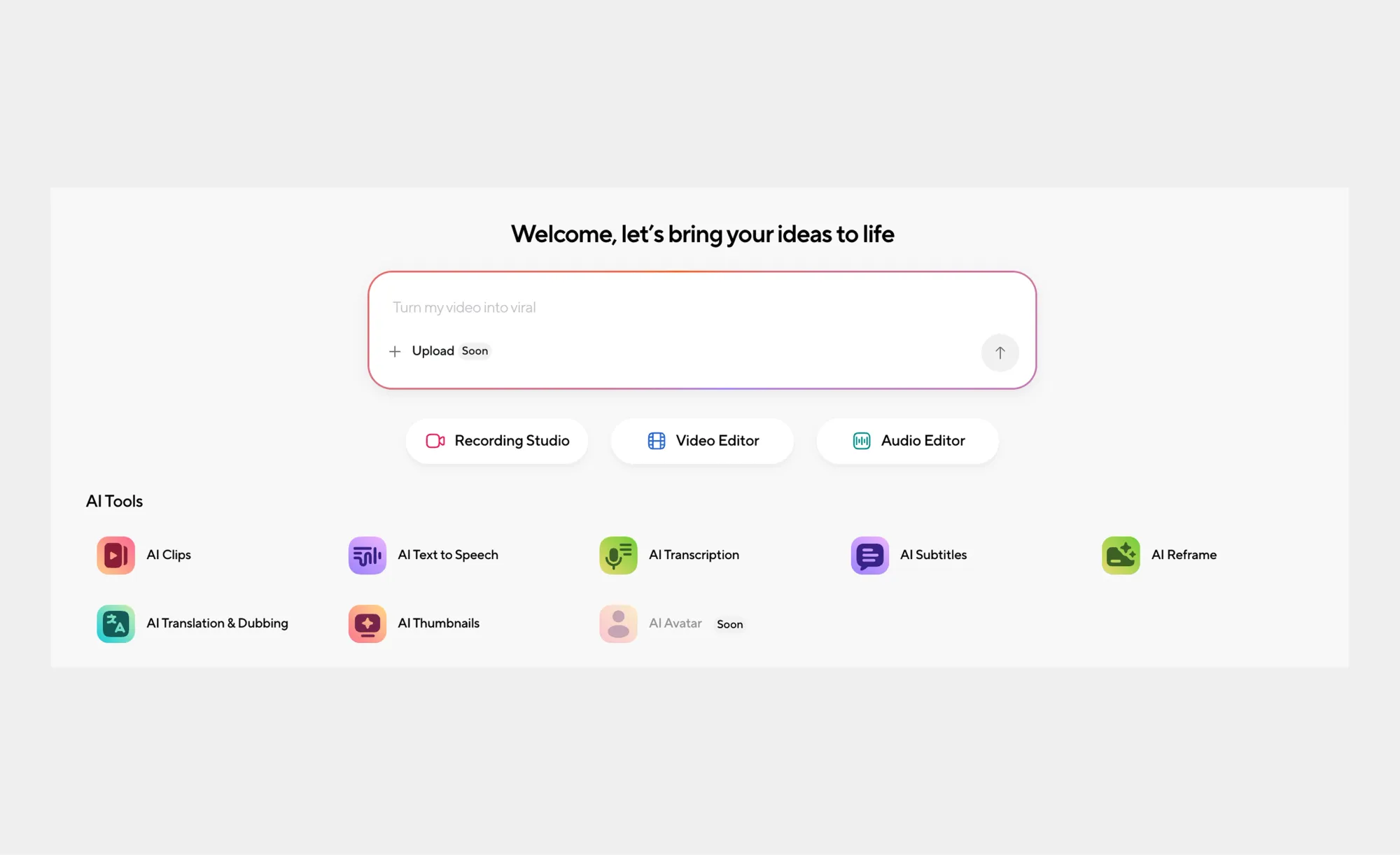
Step 1: Open the AI Clips tool
Create an account or log in to your existing one. Go to the AI tools section and click on AI Clips to start a new project.
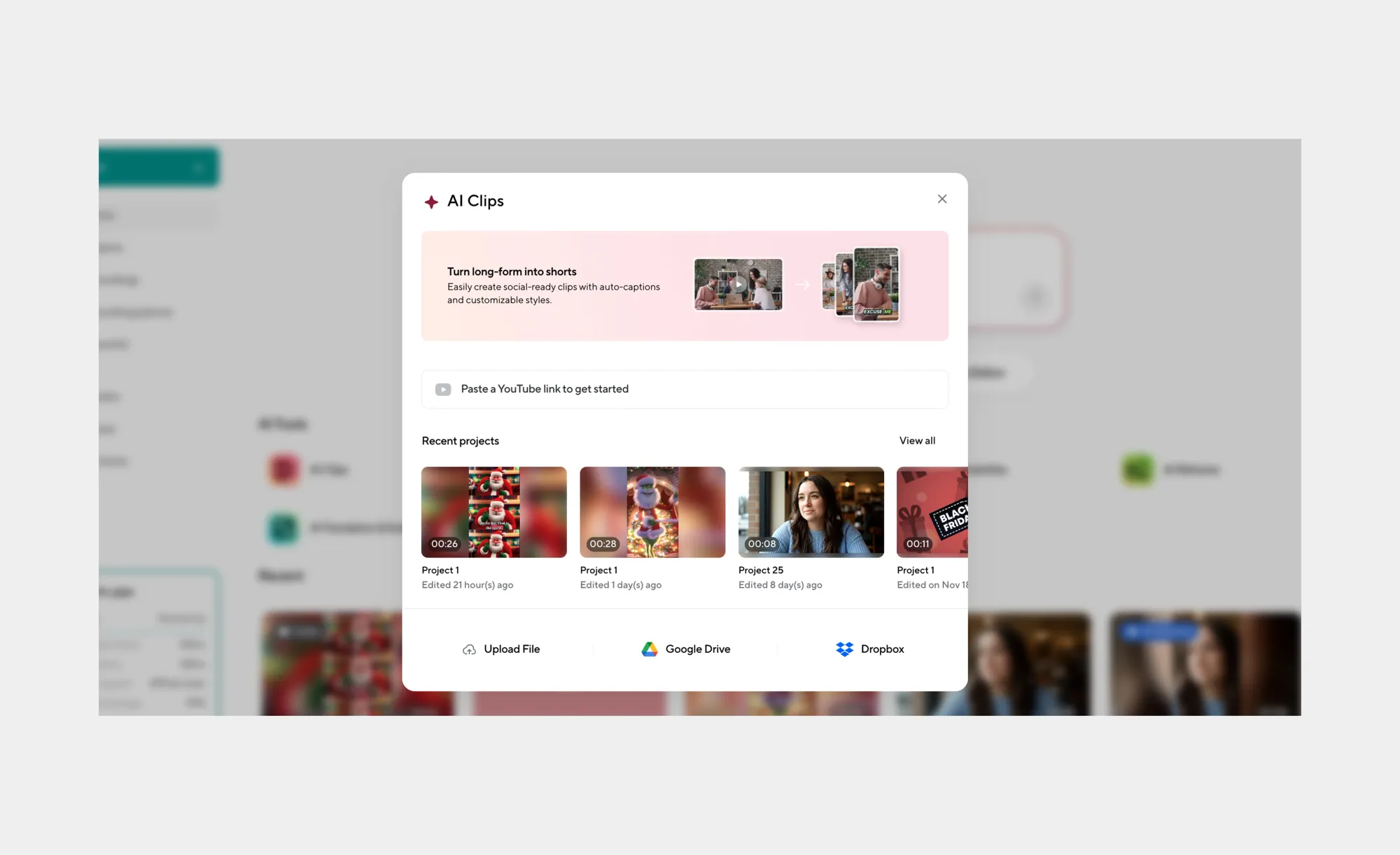
Step 2: Add your video
Paste a YouTube link, upload a video file, or select a video from your existing projects.
Note that videos must be between 3 minutes and 2 hours long.
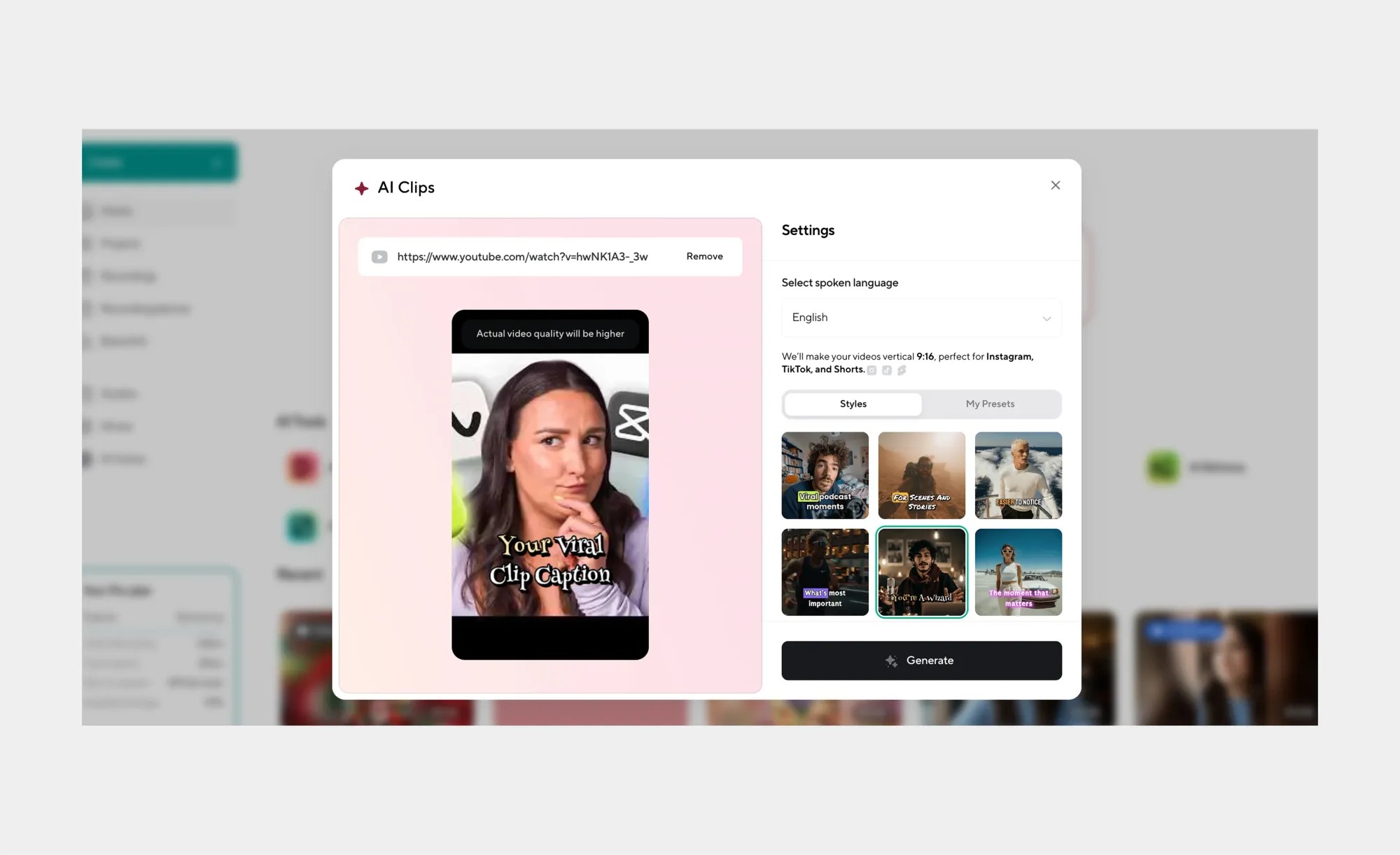
Step 3: Choose your captions
Select a caption style or upload your own. You can customize how captions look so your AI clips match your brand or platform style. Then click Generate.
Step 4: Let the AI do the work
Give the AI a few minutes to analyze your video, detect highlights, and generate multiple AI clips.
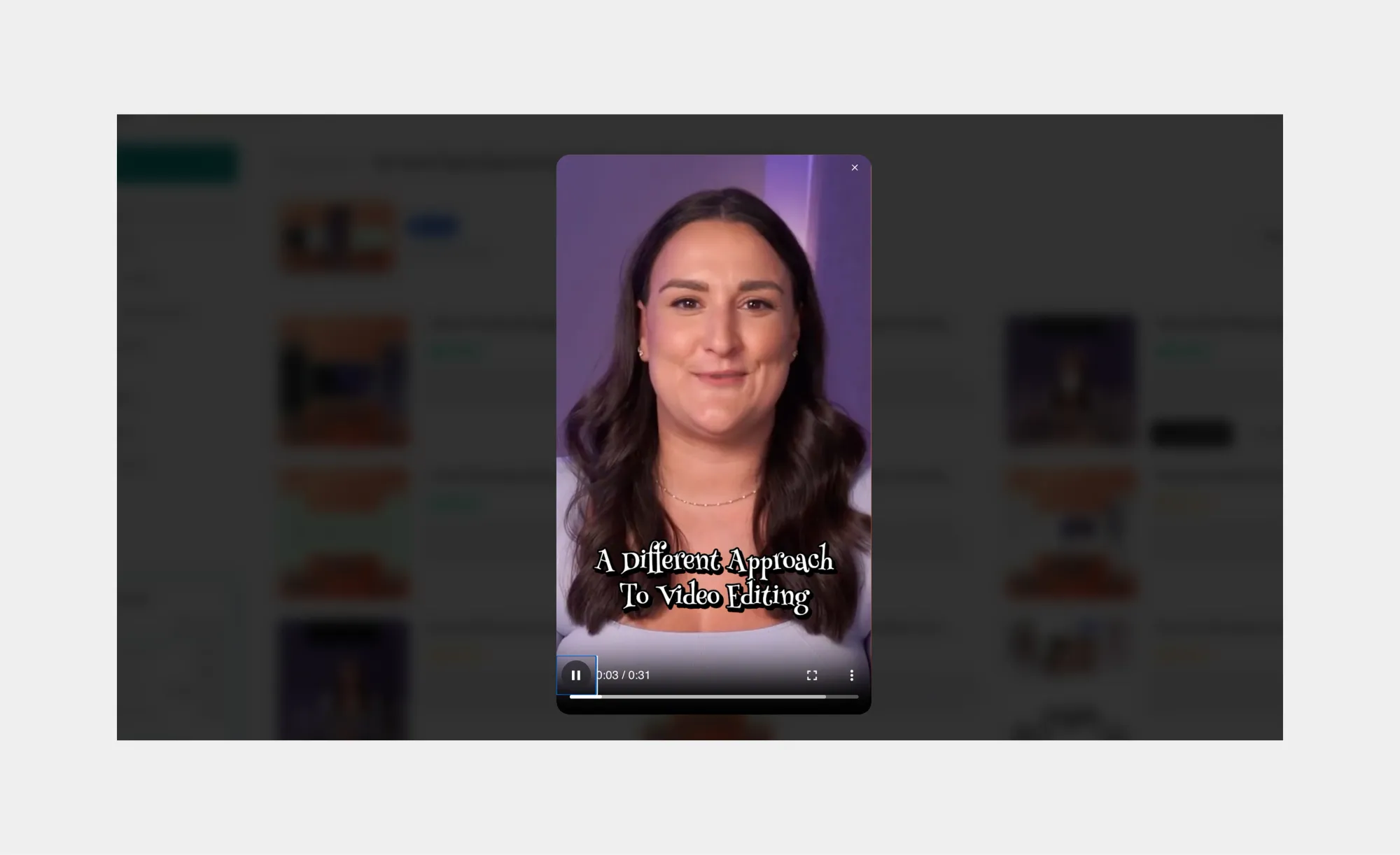
Step 5: Preview and finalize
Preview your AI clips. Download all clips at once, select specific ones, or use built-in AI editing tools to fine-tune each clip, if needed.
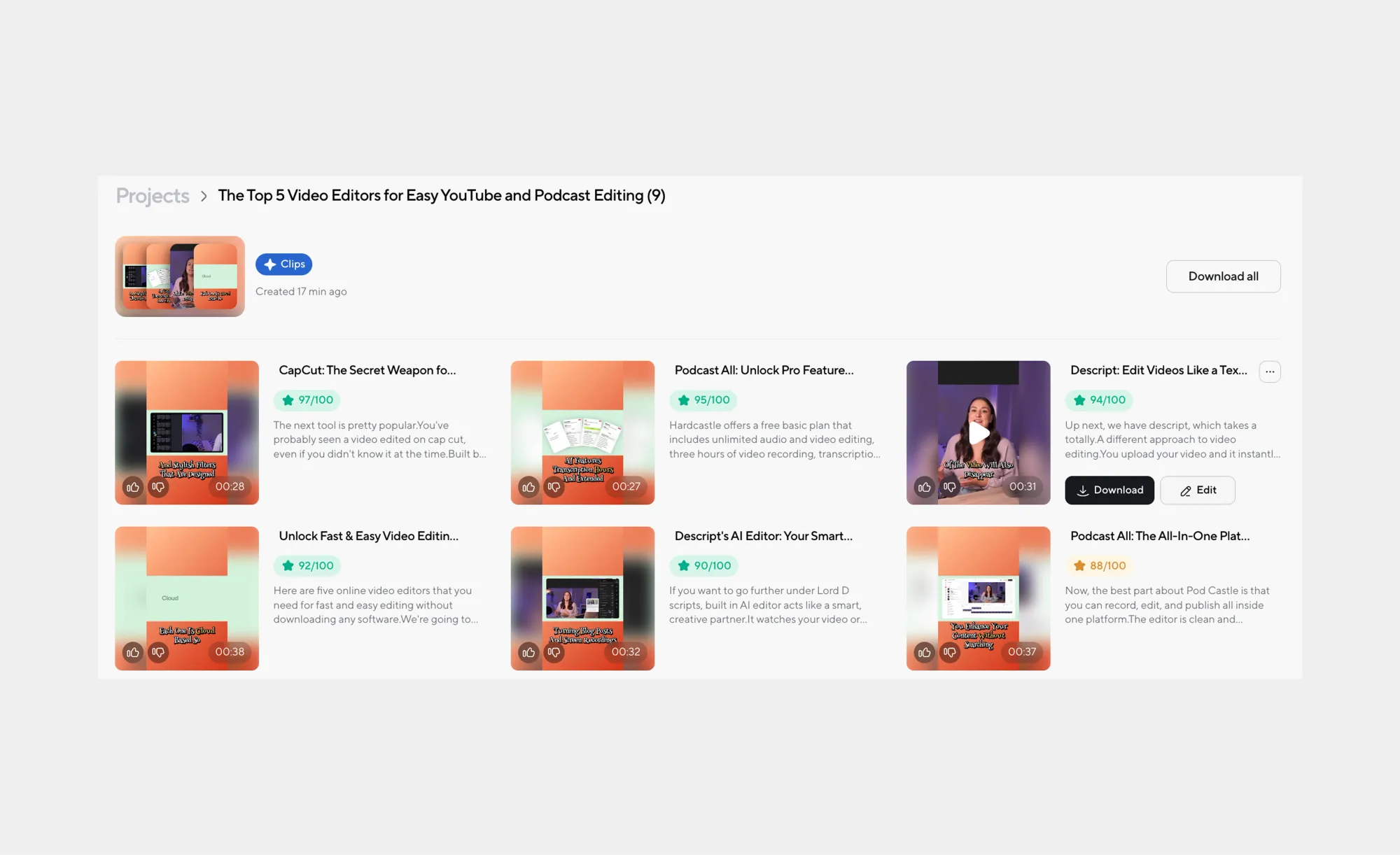
That’s it. With just a few clicks, long videos turn into polished, captioned AI clips ready for TikTok, Instagram, YouTube Shorts, and beyond!